Step 1: Play test on Mobile
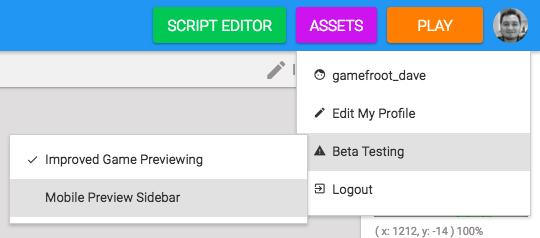
Here's what you need to do to test your game on your phone or tablet. Open the Mobile sidebar (if you cannot see this icon, enable it by clicking on your profile image and select Beta Testing.)
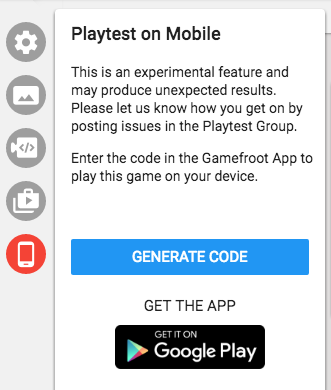
Click on the button to get the app on your device (Google Play for Android, and App Store for iOS).
Once you've installed the app, make sure you save your game, then click Generate Code. Then open the app on your device, and type the code into the app.
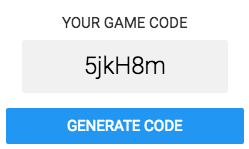
Now your game will run on your device.
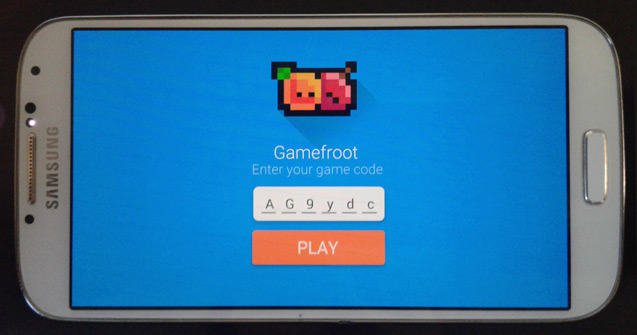
Your game might look funny. If it does, you can change your game's resolution to target your device and orientation. Your game's resolution defaults to 768 x 512, but if you change it to 768 x 432 (or 850 x 480, or 960 x 540) your game will fit properly inside your phone's screen. You can tweak these numbers and generate a new code until it looks right for you.
Your game might not be controllable! In the next step we'll add touchscreen controls.