Step 5: (PRO) Exporting your game to publish on the iOS App Store or the Google Play Store
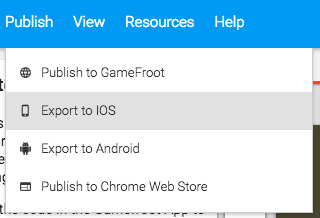
When you want to take your game and get it on the App Store or Play Store, you'll need to export your game files and download them to your computer (you need a Pro account to do this). Click on the Publish menu, and select Export to iOS or Export to Android.
Give your app a name, choose the orientation, and upload an icon.
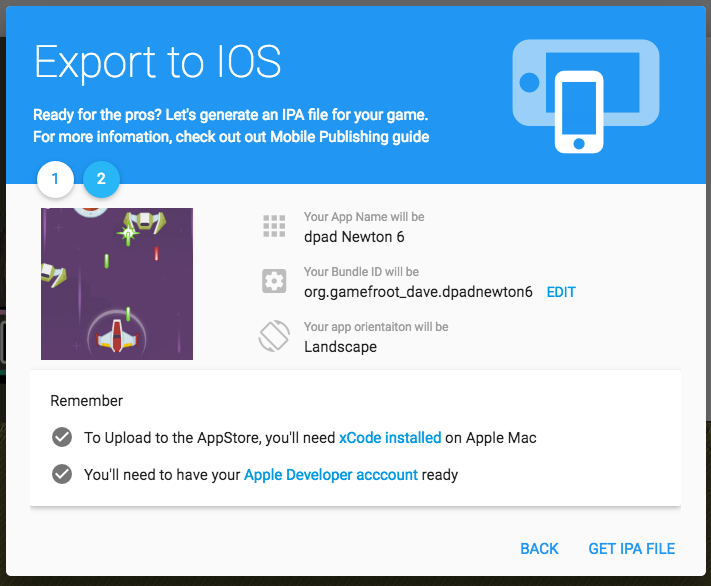
Remember to take note of the requirements you'll need before you can publish to the App store or Play store. Then click Get IPA File or Get APK File.
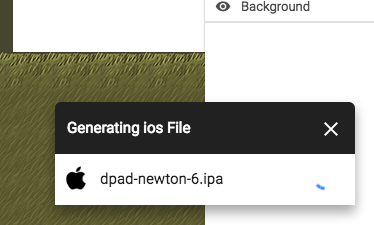
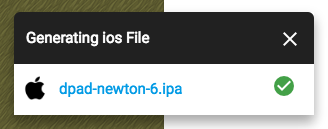
Your file will start generating. Once that's done, this box will have the link to your app files. Click on that link to download your files.
That's as far as Gamefroot can take you. Your next steps will be to use Apple's or Google's tools to get your app ready to publish. Here's how to Get Started with Publishing to Android, and Here's How it Works for Apple.
Good luck!