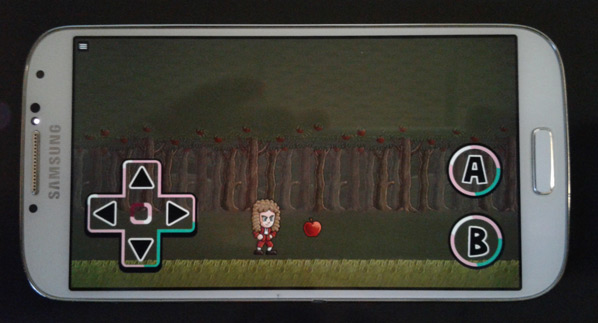
Step 2: Adding touchscreen controls
Grab the Touchscreen D-Pad pack from the Marketplace.
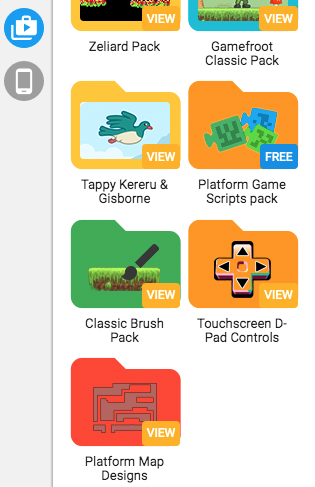
Create a new layer above everything, and place the D-Pad and buttons in the top-left area of your game.
Then open the Game Properties sidebar, and take not of how big your world size is.
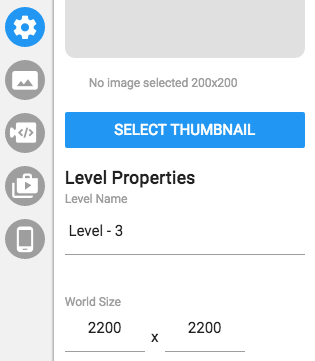
Then temporarily change the world size to match the resolution. In this example, my resolution is 768 x 432, so I'll set my world size to match that. This will show you the size of your game on mobile.
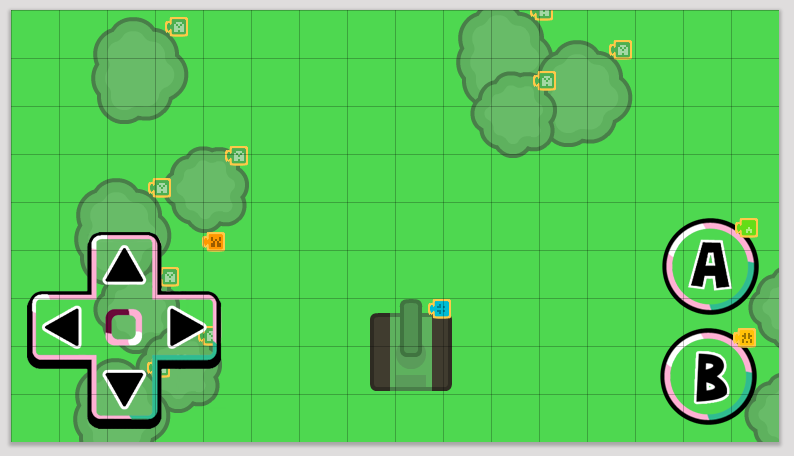
Move the d-pad and buttons so that they are exactly where you'd want to see them when playing your game. Then change the world size back to its original size (don't change back the resolution). Repeat step 1 and test your game on your mobile device.