Step 2 - Coding start button
Down at the bottom of the deep blue Antarctic Ocean lives the largest invertebrate in the world: the colossal squid. Your game starts 1000 metres below the surface where it can be as cold as 5 or 6 °C and extremely dark.
Let's add script to the start button so you can begin your game.
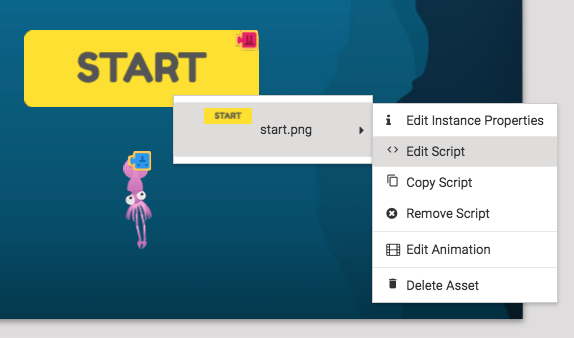
Right-click on the Start button and select Edit Script.
The button needs to be coded to make the game start when the game is clicked on. To find the first block we need, open Events and drag "When the stage is pressed" into the work space.
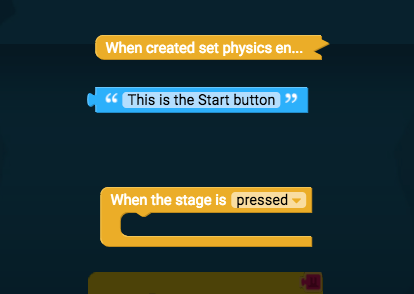
This will detect when the stage is pressed and run any block we put inside it. We'll now broadcast a message to the game to tell it to start. Open Events again, and drag "broadcast message" into "When the stage is pressed".
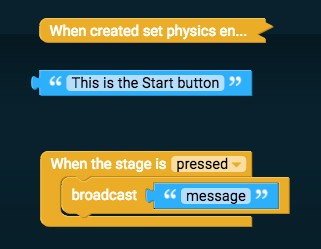
Then click on "message" and type "start".

Click Play to see your code in action.

Then click the Start button to begin.