Step 8 - Publishing and sharing your game
Once you're finished with your game, you can publish it so that others can play it. To do this, click on Publish in the top menu bar, and select Publish to Gamefroot.

Then you will see a pop-up window appear. You need to type in a name for your game, and a short description of it.
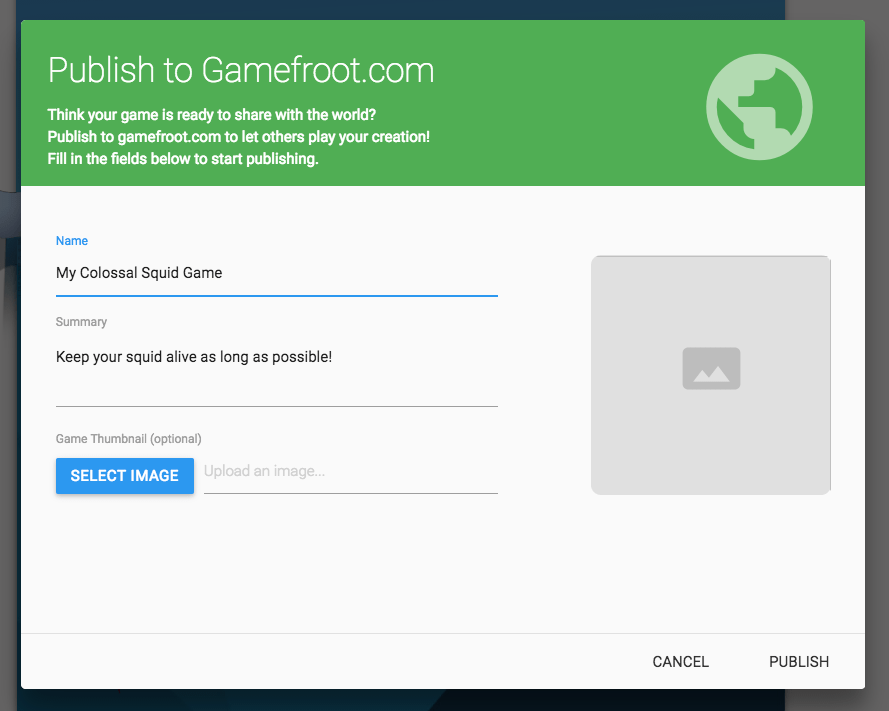
Then click PUBLISH in the bottom-right corner of this window. After the game has published, you will see a link appear for your game which looks like this:

You can share this link with others so that they can play it.
To find out more about colossal squid go to: https://www.tepapa.govt.nz/visit/whats-on/exhibitions/colossal-squid
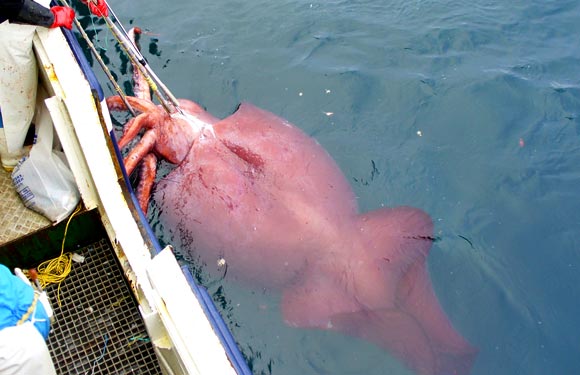
Colossal squid alongside the San Aspiring in the Ross Sea. Courtesy of the Ministry of Fisheries, 2007.

Dr Olaf Blaauw, Dr Tsunemi Kubodera, and Dr Kat Bolstad measure the colossal squid's head. 2008, Te Papa.
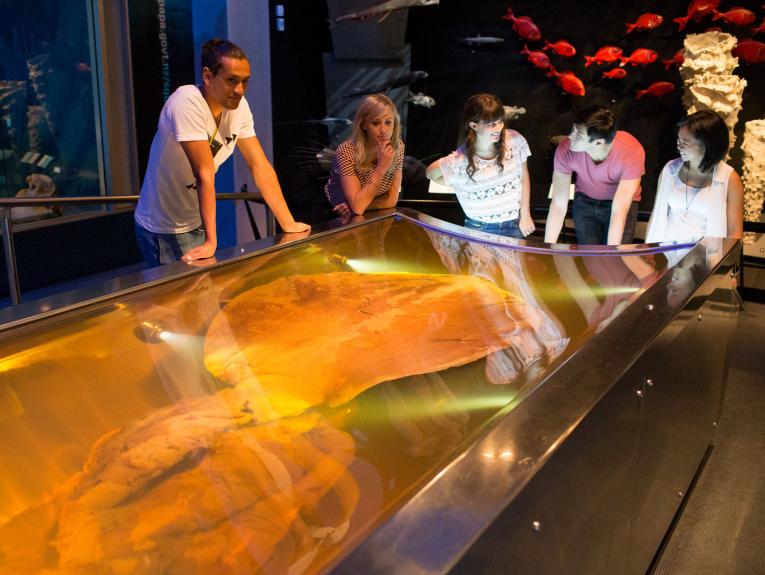
Colossal squid exhibition, 2015. Photographed by Michael Hall. Te Papa.